



Use APKPure App
Get Activity Manager old version APK for Android
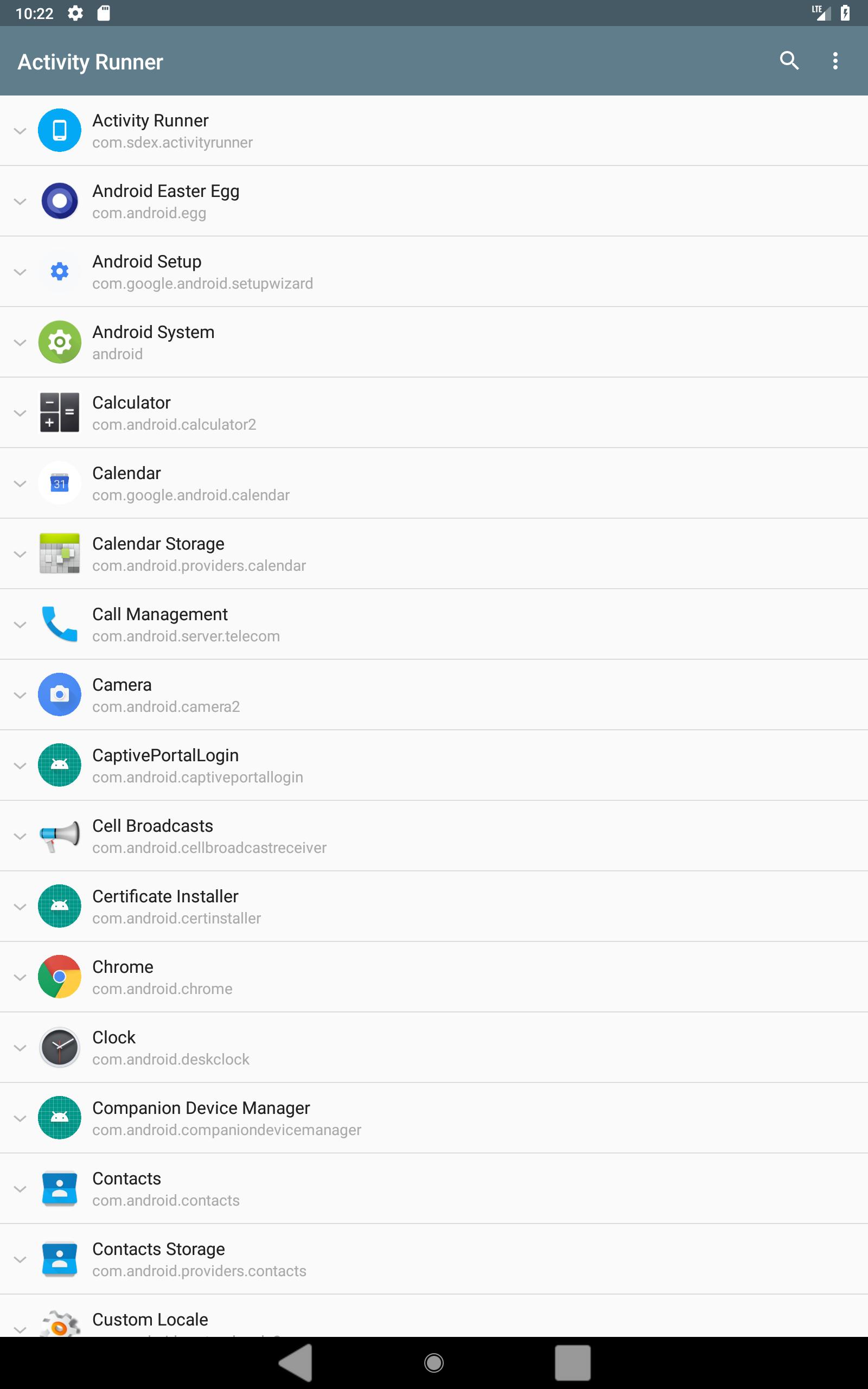
Activity Manager is a utility app that lists and launches activities from installed apps.
Activity Manager helps users who need to access hidden screens, test app components, or inspect how activities are defined. It surfaces items that normal launchers do not show, and presents clear permission cues so you know what can run safely. Additionally, it offers tools that support troubleshooting and learning across different apps. To try it across devices, get the Activity Manager APK.
Activity discovery and launch
Activity Manager lists activities from installed apps and lets you open those that are exported. Items that require internal access are marked in red, and may need root to launch outside their app. Activities that require custom permissions are not supported, and attempting to run them will return an error.
Intent builder
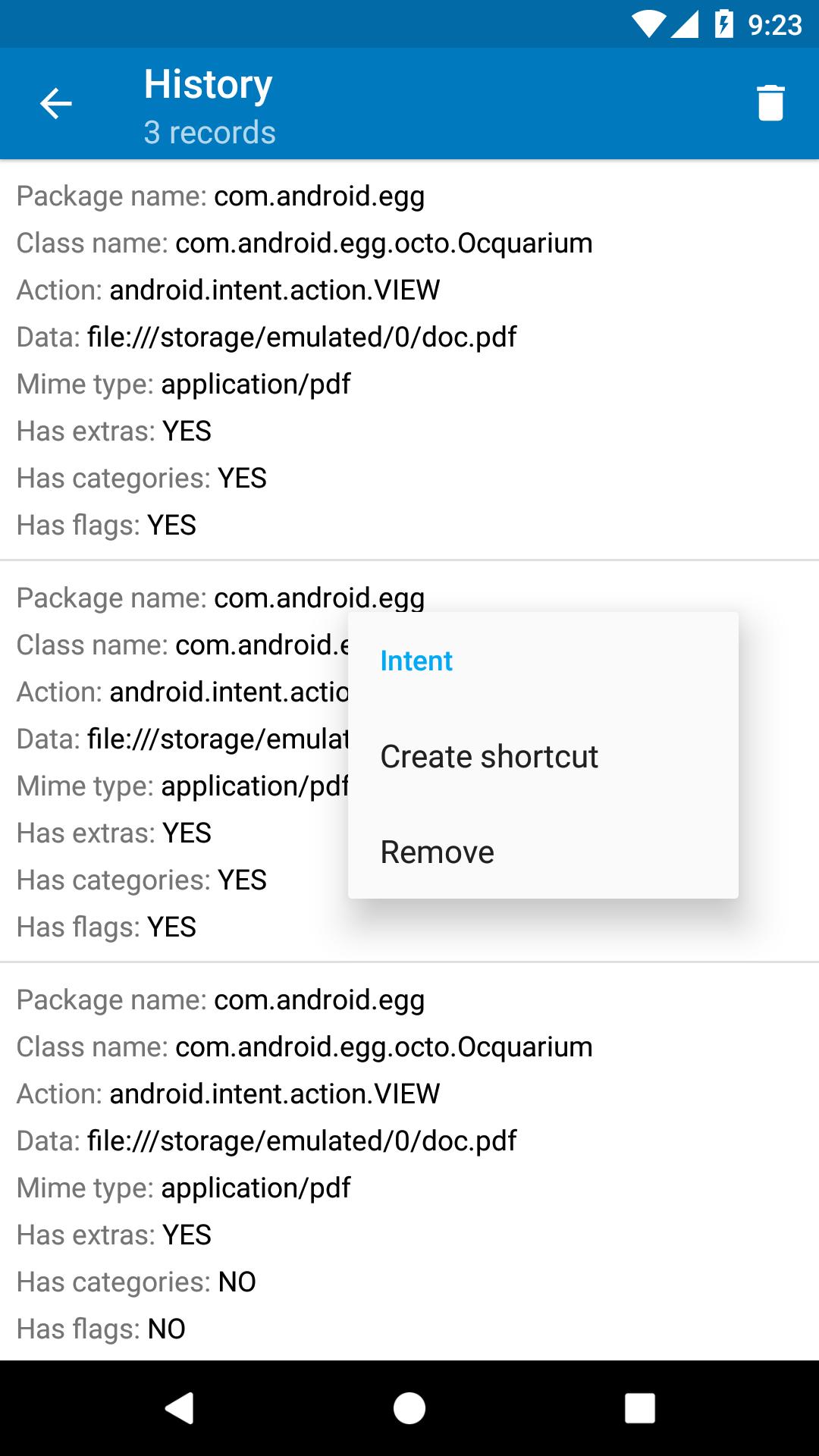
Additionally, you can compose intents by setting action, data, component, and extras, then send them to the system or target apps. This helps verify deep links and test integrations without writing code. Shortcut creation and no limits on extras and history are available in the premium version for frequent testing.
Manifest viewer
Also, Activity Manager includes a convenient manifest viewer to inspect components and permissions declared by each app. You can quickly check why a screen is exported or restricted, which supports debugging and learning. Use the Activity Manager latest version when working with newer Android releases.
Root operations and premium
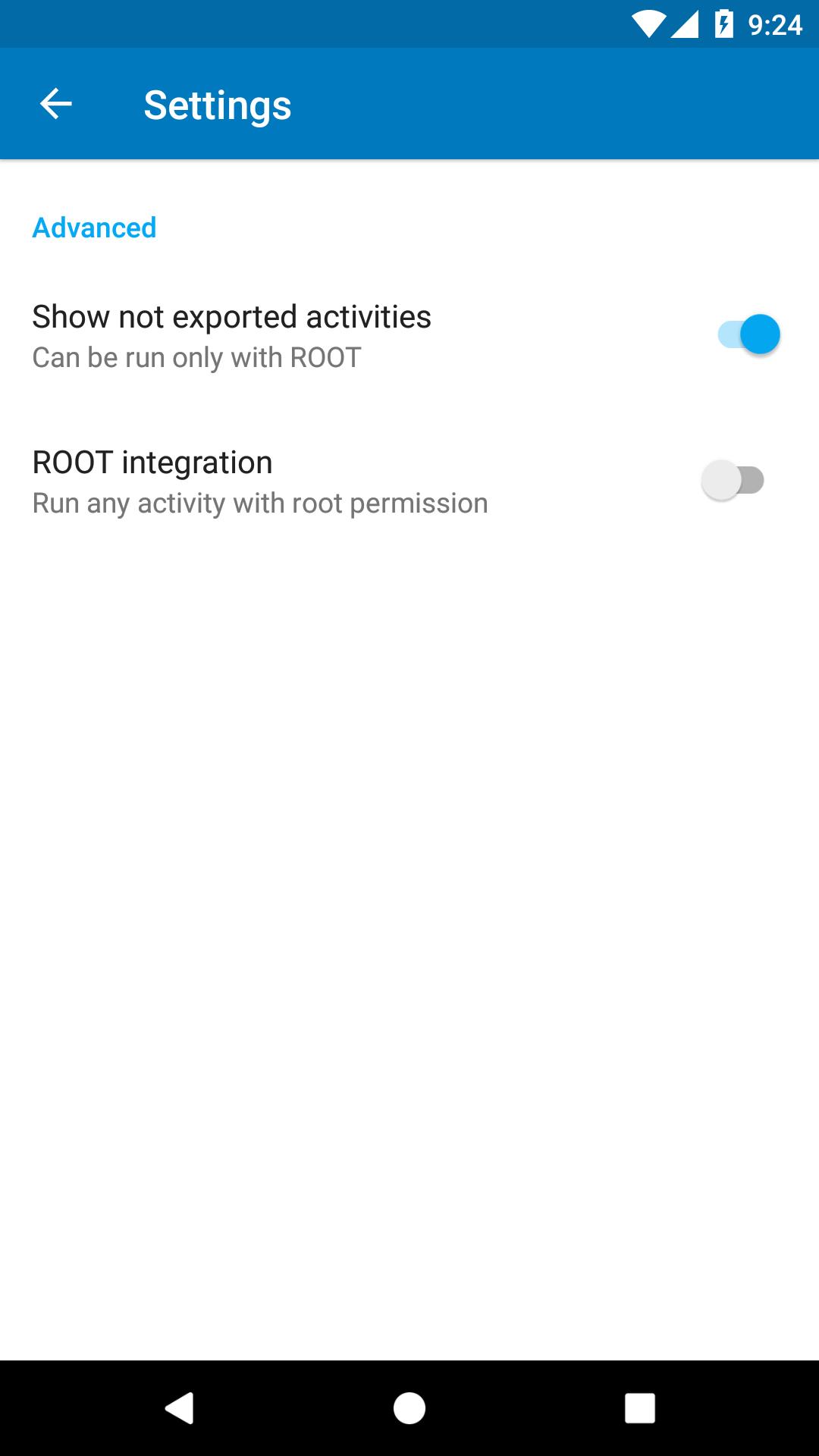
Finally, if the device is already rooted, Activity Manager can perform certain operations that require elevated access. Premium also removes ads, adds intent shortcuts, and lifts limits on extras and history. These options suit advanced users who manage activities across many apps.
Activity Manager provides practical tools to explore activities, build and send intents, and review manifest details. For a straightforward setup, download Activity Manager and follow the prompts in the app. Check activity colors and permission notes before launching to avoid errors. Root features are only for devices that already have root access.
Last updated on Sep 28, 2018
- add ability to set shortcut icon
Latest Version
 2.4.1
2.4.1
Uploaded by
Khafid Jr.
Requires Android
Android 4.0.3+
Category
Report




Discover what you want easier, faster and safer.
